From reference
to visual direction

Bring images, video, audio, and ideas into one cinematic workspace.

Build moodboards, treatments, and pitch decks - then present and share your vision.

Start with a 14-day free trial.

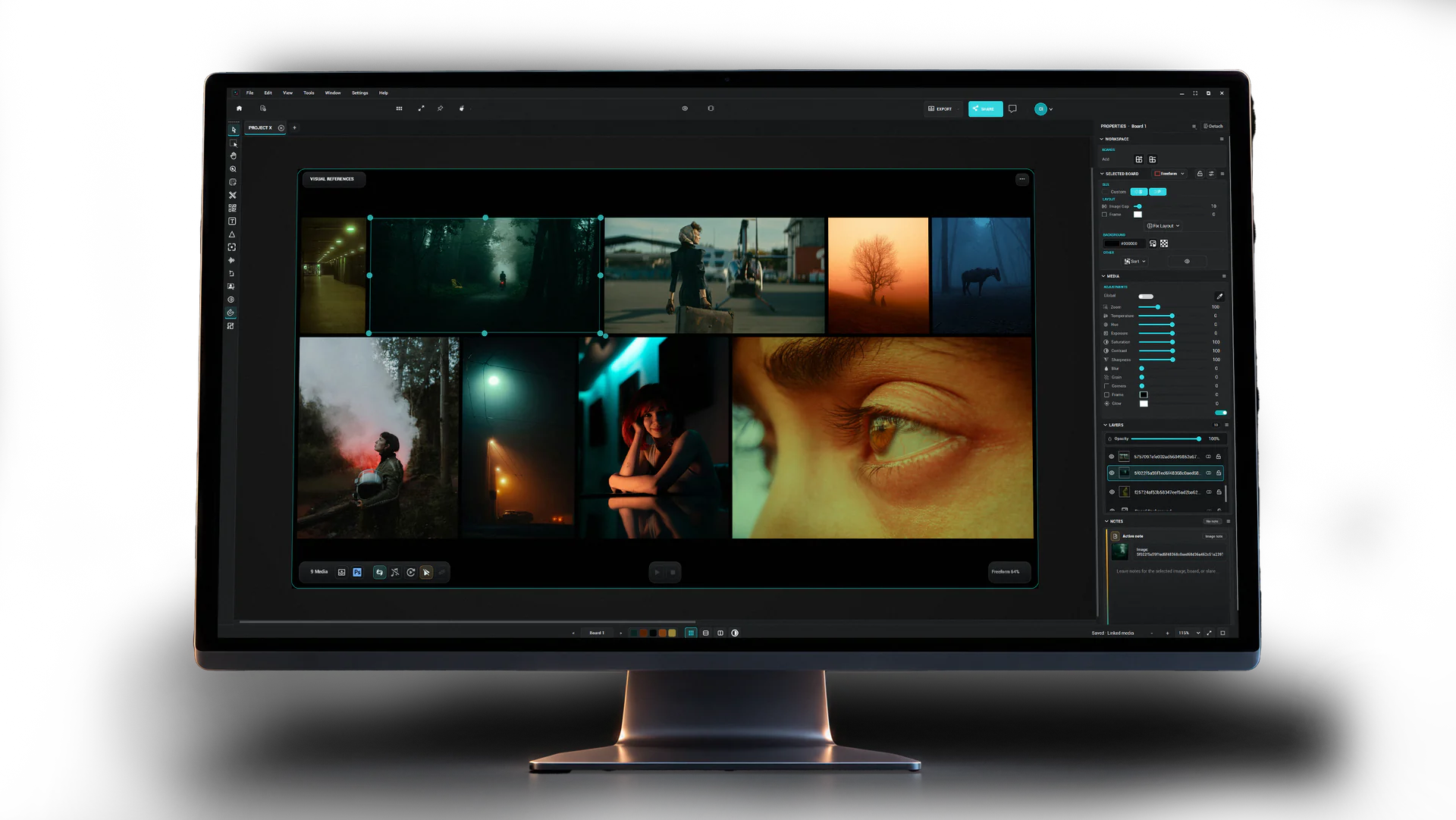
CINESLATE moodboard displayed on a monitor with a transparent background
A desktop workspace for filmmakers and visual creatives.
The CINESLATE workflow

Make the idea clear.
Before you make it real.

01 / Collect

Bring your references
together.

Gather the images, sounds, and ideas that shape your project, with everything organised in one place.

  • Drag images from the web or your computer.
  • Add video and audio, or capture references from anywhere.
  • Build a reusable library of your best references.
  • Find references with tags, favourites, and search.
Turn references into direction
02 / Compose

Build your vision,
your way.

Turn a collection of references into a clear visual story, with room to experiment and refine.

  • Build moodboards with images, video, audio, text, and notes.
  • Arrange boards into treatments, pitch decks, and presentations.
  • Explore ideas with Smart Sort, color palettes, and visual tools.
  • Choose Freeform, Grid, or Storyboard layouts.
Take your vision further
03 / Share & Export

Share your vision.
Move it forward.

Share and present your project through a private browser link, keeping feedback connected to the work.

  • Collect comments, annotations, and visual markups in the browser.
  • See feedback instantly in CINESLATE, then review and resolve notes.
  • Set passwords, expiry dates, and download permissions.
  • Export images, PDF, HTML, video, or Photoshop-ready files.
Plans & pricing

A home for your next idea.

Start with a 14-day trial. Choose a plan for the way you work.

2 Seats / For individual creator
10 Active shared links

Monthly

$9 / month

Cancel anytime

Choose Monthly
2 Seats / For individual creator
5 Active shared links

Lifetime

$249 one-time

Pay once, use forever

Choose Lifetime

Choose Creator for individual work, Studio for a small team, or Business for flexible seat counts. See the licence agreement for usage terms.

A few things to know

Before your
first project.

Is CINESLATE a desktop app or a web app?

CINESLATE is a desktop creative workspace. Shared presentations open directly in a browser, so clients and collaborators don’t need to install the app.

What is included in the free trial?

The free trial lasts 14 days, with no account needed to download or try the desktop app. Exports include a watermark, and you can create up to three share links, each active for 24 hours. When the trial ends, your projects remain accessible in view-only mode until you activate a licence.

Do I need an account to share online?

Yes. To publish online shared links, connect the app to a free CINESLATE account with a verified email address. This lets feedback on your shared links return to the app.

Can clients view my boards without CINESLATE?

Yes. Send them a private link and they can view your presentation directly in their browser. You can control password protection, expiry, download access, and comments. Editing remains inside the CINESLATE desktop app.

What systems does CINESLATE support?

CINESLATE is available for Windows and macOS. Some online features require an internet connection, and certain Smart Tools may require additional components. See the System Requirements for supported versions and full details.

Every project starts with a reference.

See where yours takes you.